
Your plant has invested in lean. The lines have boards, changeover times are shorter, inventories are smaller. And yet the delivery dates are shaky. When you ask, you hear: the order reached manufacturing too late. The drawing was missing. Purchasing had not ordered the material because the requirement was in an Excel list that nobody opened.
I have worked in both worlds, in the hall and in the office, and I am trained for both. My experience: in most plants the larger share of lead time does not lie in manufacturing, but before it. In order clarification, in purchasing, in production planning. Where nobody says value stream, because it is only the office.
This article shows where time is really lost in the office, why Excel islands play such a big role in that, and how you make the office value stream just as visible as the one in the hall.
What an Excel island is
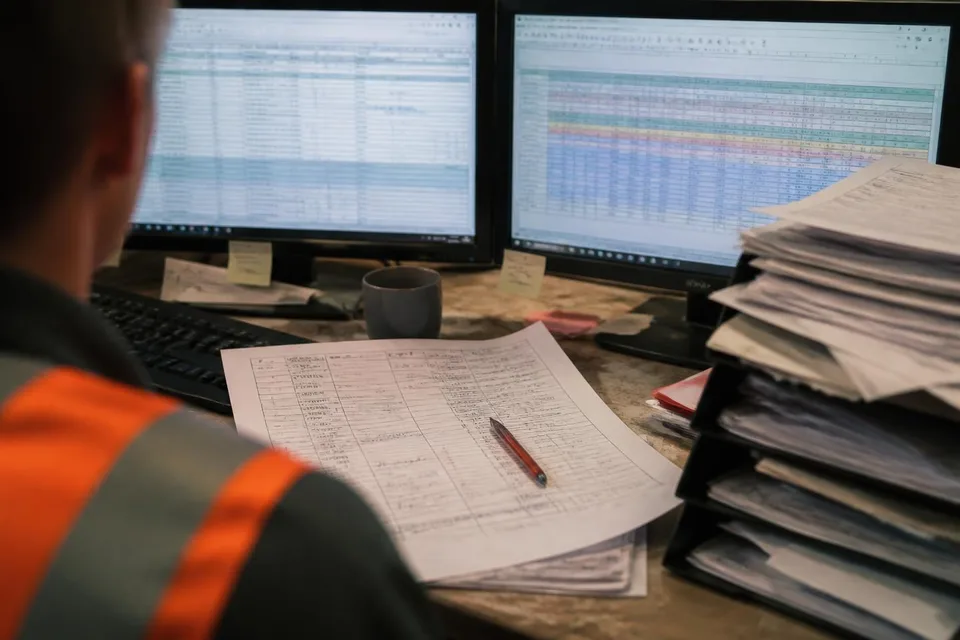
An Excel island is a spreadsheet that one person maintains, that only this person understands and that a process depends on without anyone knowing. The requirements list in purchasing. The schedule overview in production planning. The list of open customer queries that the clerk keeps for sales. Every single one came about because the ERP system could not do something or because nobody had the time to set it up.
The problem is not Excel. Excel is a good tool. The problem is the island: data that is captured in one place and typed in again in another. Figures that are only current on one computer. Processes that stop when the one person is off sick.
In the lean sense, Excel islands are waste in several forms at once: duplicated work, waiting for information, inventory of half-finished orders and errors from transcription. They are the office counterpart to the buffer stock in front of the machine.
The order from purchase order to the line
To see where time is lost, I follow a single order. Not the average, but a real one, with date and name. From the customer's purchase order to the moment manufacturing begins.
A plant with several assembly lines where I did this was convinced that order processing takes a few days. When we actually tracked the order, a different picture emerged. It was worked on for only a few hours. The rest of the time it sat: in the sales in-tray, in the engineering check, in the query to the customer, in the purchasing requirements list. Not one station was slow. The handovers were.
That is the typical finding in the office. Process time is short, lead time is long. The difference is waiting time, and waiting time arises at interfaces. Every handover from one department to the next is a potential in-tray in which the order waits.
The five typical time-wasters
From many office value streams I know five places where time is almost always lost.
- Incomplete order clarification. The order moves on although details are missing, and comes back later with a query. Every loop costs days.
- The approval that waits for one person. A signature, a check, a look from the department head. The person is in meetings, the order sits.
- The media break. From the ERP into the Excel list, from the list into the email, from the email back into the ERP. Every break is a double entry and a source of errors.
- Batch processing. Requirements are bundled and ordered once a week, drawings are checked on Fridays. What arrives on Monday waits.
- Prioritisation by shouting. Whoever asks loudest is served first. The sequence changes daily, and every change is changeover time in the head.
None of these points needs new software. All five are process questions, and all five can be tackled with lean office tools before anyone even talks about digitalisation.
Making the office value stream visible
Value stream mapping works in the office as it does in the hall, only with different metrics. Instead of cycle time and changeover time, we measure processing time, waiting time and number of handovers. Instead of buffer stocks, we count in-trays, physical and digital.
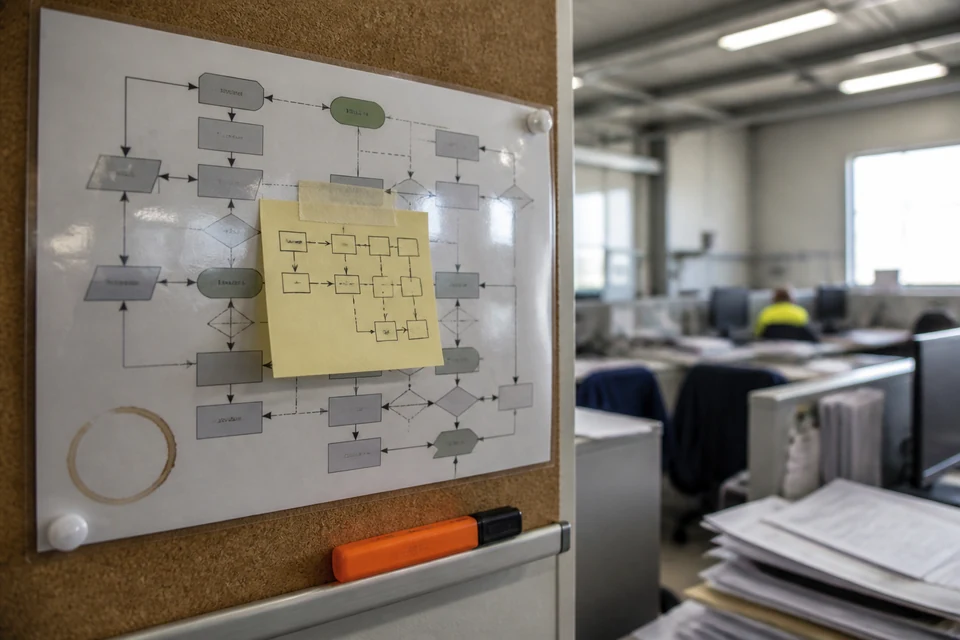
I do this with the clerical staff on a wall with sticky notes, not on a screen. Every station one note, every handover one arrow, every Excel list one coloured marker. At the end the value stream is visible to everyone, and usually there are two moments of realisation. The first: nobody would have guessed so many handovers. The second: the Excel islands almost all sit at the interfaces, where the system has a gap.
From that follows the target state. Fewer handovers, a clear completeness check at the start, approvals with deputies, processing in flow instead of in batch rounds. And for every Excel island the question: can it go into the system, can it go away, or does it have to stay, but then with a deputy and a standard.
Lean office before digitalisation
The sequence is decisive. Whoever digitalises an order process with seven handovers and four Excel islands gets a digital order process with seven handovers and four islands that are now called workflows. The waiting time stays, it is just harder to see.
So the process first. Reduce handovers, standardise order clarification, streamline approvals, introduce regular communication. A short board conversation in the office, daily, with the question: which order is stuck, and on what? Only once the flow is in place is it worth asking which tool supports it.
In a group-owned plant that is often a question of time until the next ERP release. In a mid-sized company it is a question of priority. In both cases: a lean process with Excel is better than a wasteful one with a workflow system.
The first step
If you want to start tomorrow, take one order. A real one that is currently in progress. Ask at every station how long it has been sitting there and what it is waiting for. Write it down. After a week you have a picture that no statistic can replace.
And ask the clerical staff which lists they keep that nobody else knows about. The answer will be longer than you think. Each of these lists is a pointer to a gap in the process. And every gap is a place where your plant can gain lead time before the first machine runs any faster.
In short
- Lead time is mostly lost before manufacturing: in order clarification, purchasing and production planning.
- Excel islands are not a tool problem, but gaps in the process, almost always at the interfaces.
- Process time short, lead time long: the difference is waiting time in in-trays, physical and digital.
- Value stream mapping works in the office as in the hall: count handovers, measure waiting times, mark islands.
- First streamline the process, then digitalise. Otherwise Excel islands become digital islands.
Frequently asked questions
Frequently asked questions
How do I find the Excel islands in my order processing?
Ask the clerical staff directly which lists they maintain that are not in the system. Then track a real order and note at every station where the information comes from. Wherever an Excel file or an email is the source, you have an island. Most sit at handovers between departments.
Shouldn't we just digitalise order processing?
Process first, then tool. An order process with many handovers and batch rounds does not get leaner through software, only less visible. First reduce handovers, standardise order clarification and introduce a short daily conversation about stuck orders. After that you know exactly what a system has to deliver.
What is the point of value stream mapping in the office when the times vary so much?
Precisely then. The variation itself is a finding: it shows that the process has no standard. You do not measure the average, but follow individual orders and count handovers and waiting times. Even a few tracked orders show at which interfaces things always get stuck. That is where you start.