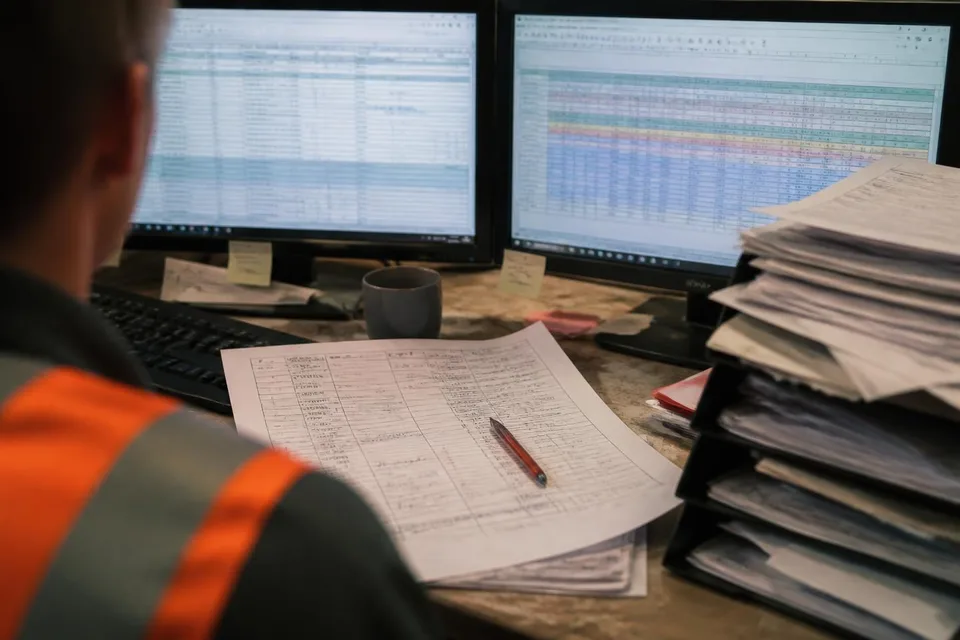

The order is in the new system. In fact, it is in there three times: once as sales entered it, once as production planning corrected it, and once as a copy, because someone was not sure whether the first version still applied. Next to it lies the paper printout with pencil notes. That is still in use, because it is more reliable than the three data records.
This is what it looks like in many plants and administrations that have introduced a system in recent years. The software runs. The training is done. And the problems they wanted to get rid of are still there. They have just become faster, louder and better documented.
I have been supporting processes in production and administration for many years, and I have hardly ever seen a digitalisation project fail because of the technology. They almost always failed because nobody had clarified beforehand what the workflow was actually supposed to deliver. In this article I show you how to do that before the next roll-out.
Accelerating the wrong thing
A process has two layers. The lower one is the logic: who decides what, in which order, with which information, and when a step is finished. The upper one is the tool: paper, Excel, email, a ticket system, an ERP. Software only ever replaces the upper layer. It takes over the lower one unchanged.
If the logic is right, a good tool makes it visible and fast. If the logic is wrong, it does exactly the same: it makes the lack of clarity visible and fast. An approval that used to sit in a tray for two days now sits in a queue for two days, and everyone gets a reminder about it. A field that nobody used to fill in is now a mandatory field that everyone fills with a dash.
In lean thinking this is called muda: waste. A digitised handover error is still a handover error. It costs less time per transaction, but it happens more often, because the system makes it more convenient. On balance, little has improved, and the disappointment in the team grows.
How to tell the process is not yet ready for a tool
Before you write a requirements specification or watch a demo, it is worth taking an honest look at today's workflow. These are the signs I see again and again:
- Two people describe the same transaction differently, and both are right, because both variants exist.
- There are shadow lists. Someone keeps their own spreadsheet alongside the official route, because the official information is not enough for them.
- One step is called "clarify". Nobody can say what exactly exists at the end of the clarifying.
- Queries are normal. An order, a request or a drawing goes back and forth several times between the same people before it moves on.
- Done is not defined. Whether a step is complete depends on who you ask.
Each of these signs is a hole in the logic. Software does not fill a hole. It builds a screen over it.
An example from order processing
A machine builder with several assembly lines introduced a ticket system for change requests from engineering. The aim was to get changes into production faster. After the roll-out, the number of open tickets rose, and assembly complained that it was hearing about changes later than before.
When we recorded the workflow at the workstations, the reason became clear. Before the system, the design engineer would go to the line with an urgent change and discuss it with the foreman. That was not documented, but it was fast. With the system, he created a ticket that dropped into a queue in production planning. There it was handled in order of arrival, not by urgency, because nobody had defined what urgent meant. The short walk to the line now counted as a workaround and was dropped.
The solution was not a different tool. It was three agreements: a clear definition of which changes may go straight to the line; a short daily look by production planning at new tickets; and a field that the design engineer sets himself. After that, the system did what it was supposed to do. It made a good workflow visible.
Value stream first, tool second
The sequence that has proved itself in my work is unspectacular. It costs a few weeks before the roll-out and saves months afterwards.
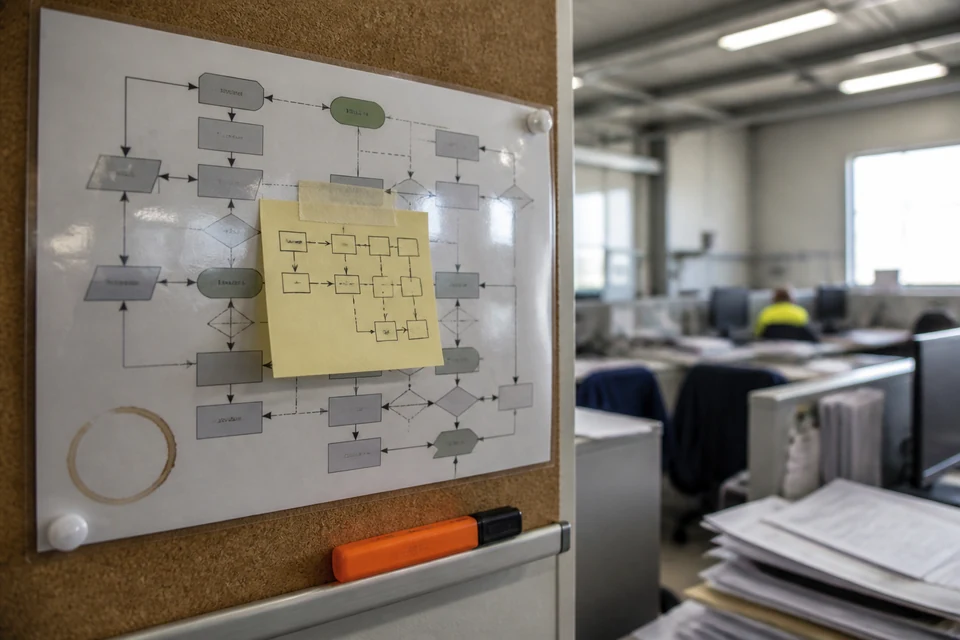
First, you record the workflow as it really runs today. Not according to the manual, but at the workstation, with the people who operate it. Value stream mapping works in the office just as it does on the shop floor: every step, every handover, every waiting time, every query is noted. This almost always produces surprises. Loops that management knew nothing about. Duplicated work that everyone thought was necessary.
Then you tidy up. Which steps disappear if the information is complete the first time? Which approvals are reassurance rather than decisions? Where can the person who has the information decide, instead of sending it upwards? That is the real work, and it is uncomfortable, because it touches responsibilities.
Only then do you describe what the tool has to do. You will find that the list is shorter than expected. A cleaned-up process needs few functions. An uncleaned one needs exceptions for every variant, and those are exactly what make software expensive, slow and unpopular.
What you should do differently during the roll-out
The roll-out itself is a change project, not an IT project. That is almost always forgotten in the planning. A few points that make the difference:
- The team that operates the workflow helps to shape it. Not as test users at the end, but during the recording and the tidying up at the start.
- Shadow lists are not banned but understood. Every private Excel spreadsheet shows a piece of information that is missing from the official route. Bring it into the process, and the list dies of its own accord.
- One area first. Not the whole plant on a single cut-over date. One area, one workflow, then learn, then roll out.
- Done means used, not installed. After the roll-out, go to the workstations and check whether the paper printout is still lying next to the screen. If it is, you know what is missing.
The last point is the most important one for me. A system that formally runs and is bypassed on the side is more expensive than no system at all, because it costs trust.
The question before every investment
When a management team presents a digitalisation project to me, I ask a single question: would this workflow also work well on paper? If the answer is no, software will not make it better. It will only make it bad faster.
That does not mean you should do without systems. A cleaned-up process in a suitable tool is a big win: for lead time, for transparency, for the people who operate it. It only means that the sequence is not negotiable. Process, then tool. Never the other way round.
In short
- Software replaces the tool, not the logic. Unclear logic just becomes unclear faster once it is digital.
- Shadow lists, query loops and steps called "clarify" show that the process is not yet ready.
- First record and tidy up the workflow at the workstation, then describe the tool.
- The roll-out is a change project: involve the team, one area first, done means used.
- Test question before every investment: would the workflow also work well on paper?
Frequently asked questions
Frequently asked questions
We have already introduced the system and it is running badly. Is it too late for the process work?
No. Record the workflow now, as it really runs with the system, including all the workarounds and the paper lying next to it. Almost always, the points where it sticks can be fixed without programming: through agreements, clear responsibilities and the removal of exceptions. Only once that is done is it worth checking whether the tool itself needs to be adapted.
How long should the process work take before a roll-out?
That depends on the scope, but it is shorter than most people fear. For a single workflow such as order processing or the change process, a few workshops with the people involved are often enough to record the current state and remove the biggest loops. What matters is not the duration, but that the people who operate the workflow every day are present.
The vendor says their system comes with best-practice processes built in. Is that not enough?
A standard process from the software is a good starting point, but no substitute for your own clarification. It does not know who makes which decision in your organisation, which variants you really need and which you want to get rid of. If you adopt the standard without having cleaned up your workflow first, you create exactly the exceptions and extra fields that later make the system unwieldy.